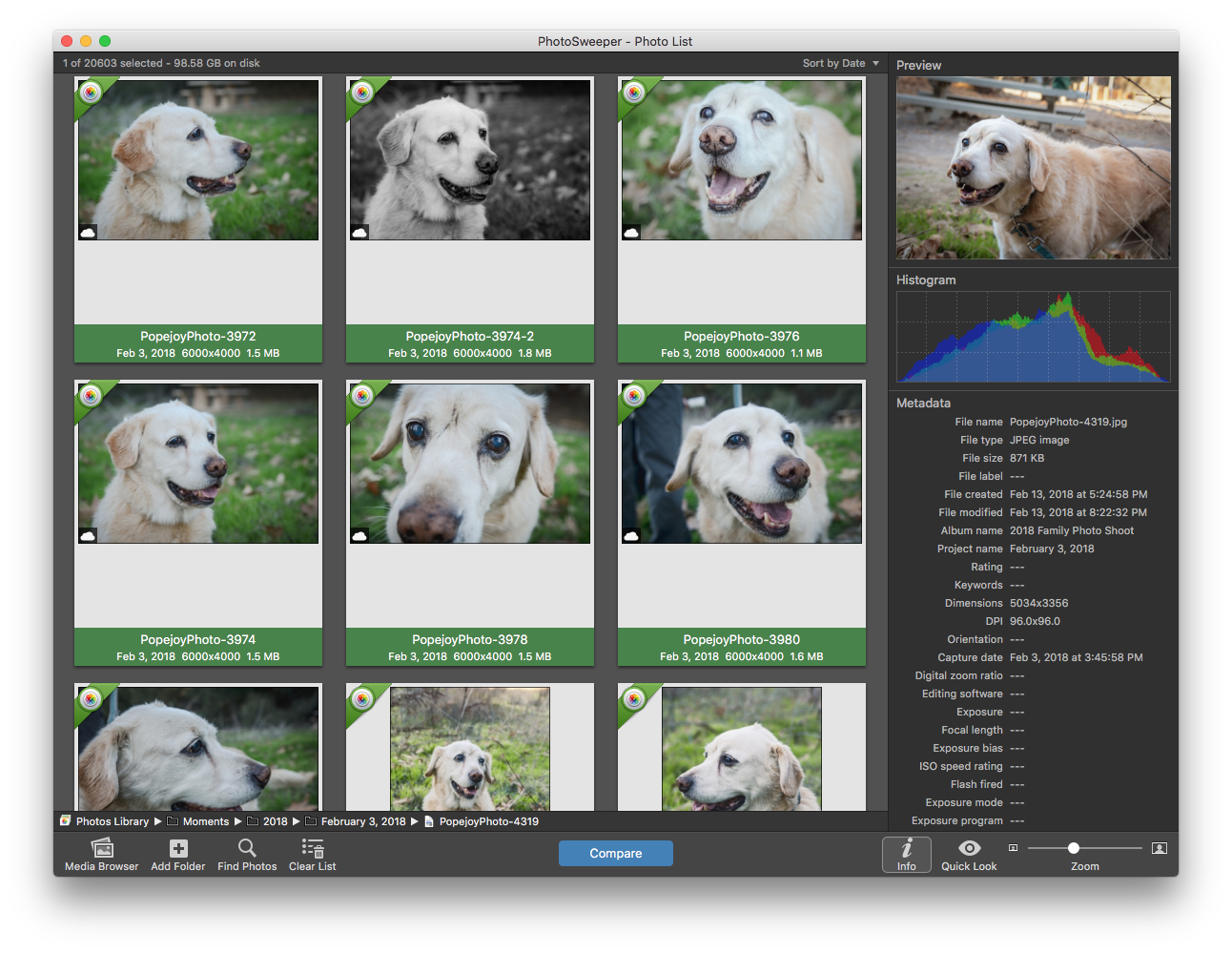
Back in December when I was scanning in old photos, I found that I had some of the photos already in digital form leaving me with duplicates. The photos weren’t always of the same quality and I had to manually go through to pick the best one. I knew that there were programs out there to find duplicates, so I started searching. After a little while I stumbled upon PhotoSweeper and gave it a test drive.
The first step in using PhotoSweeper is to select a bunch of photos. In my case, I went ahead and selected all the photos.
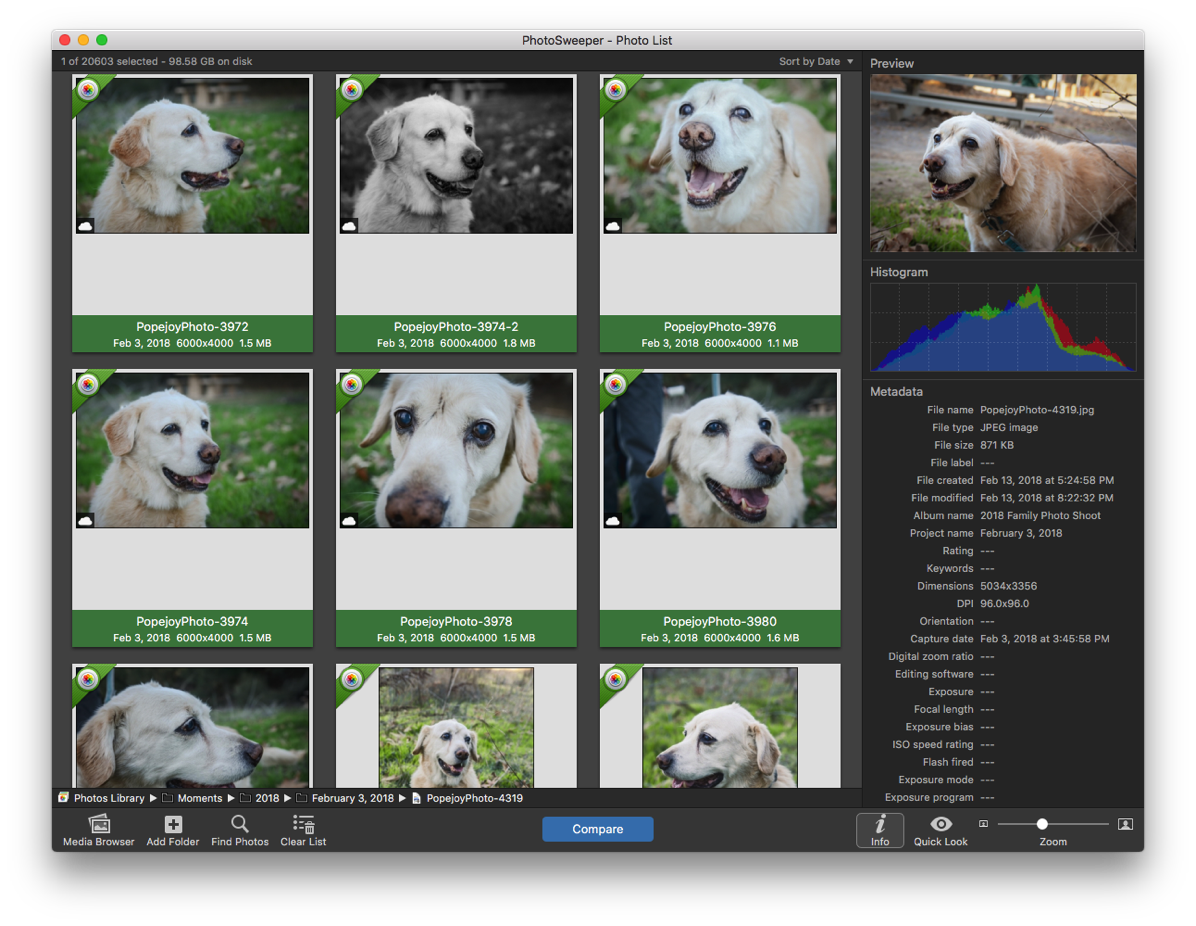
You then click Compare and select your options for comparison.
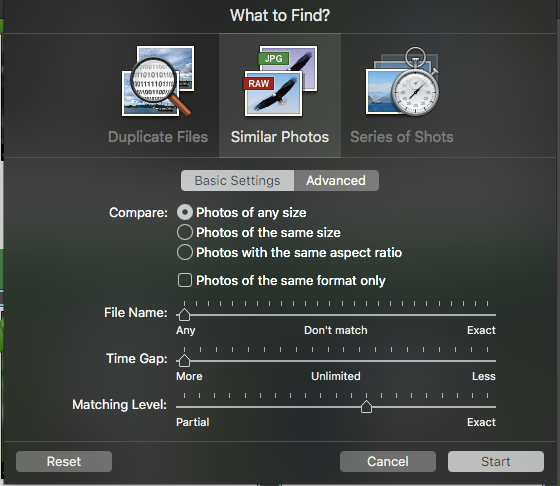
I selected a pretty loose matching criteria knowing that I would get a lot of matches. After you start, you see the blurred thumbnails of the photos as it goes through and does the comparisons.
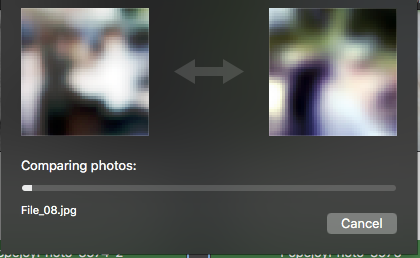
The number of photos and your matching criteria determines how long the process will take. The first time I ran it, I did a small sample just to see the results. I was amazed at the results as it found matches where the photos were scanned at different times, the color was different in them and sometimes the photos were cropped differently.
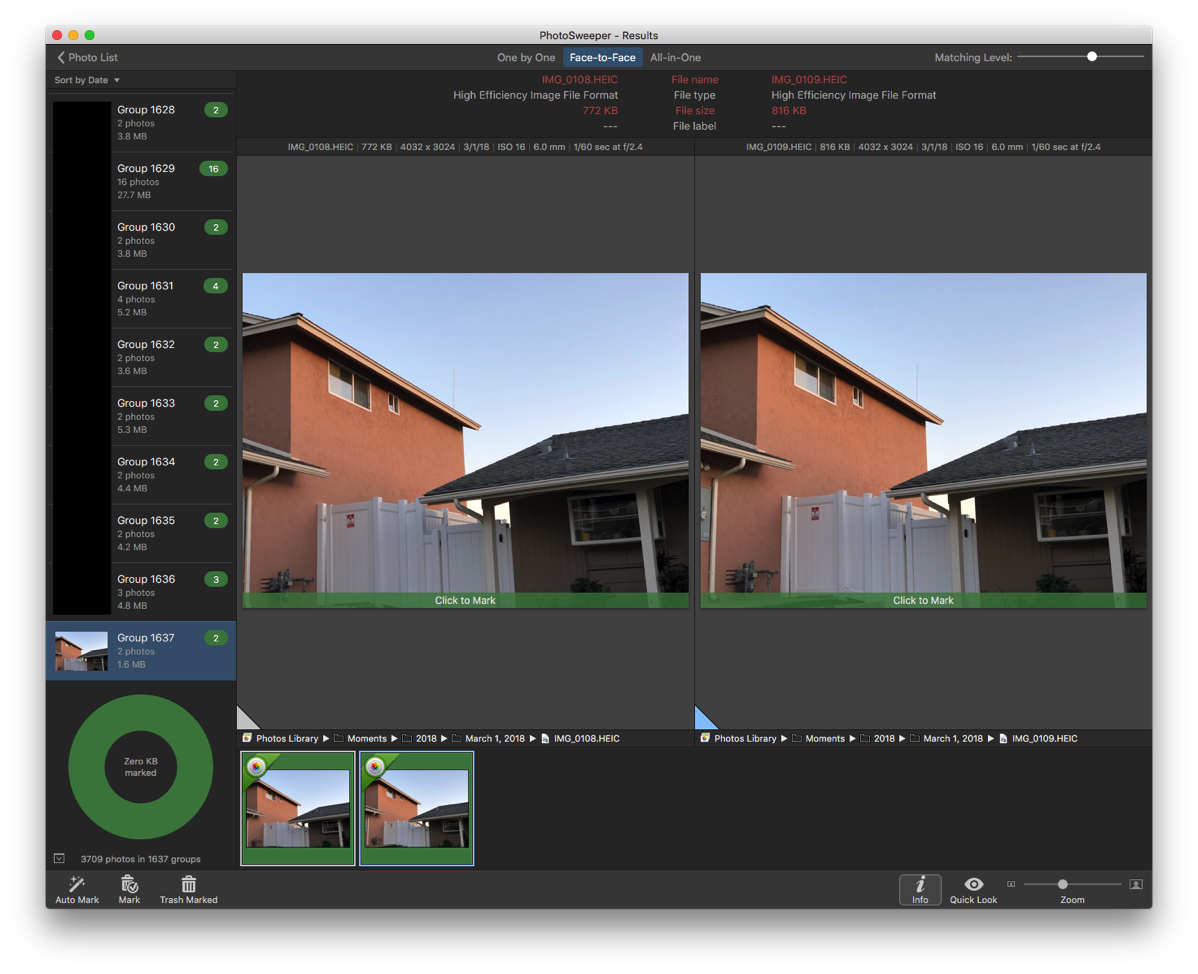
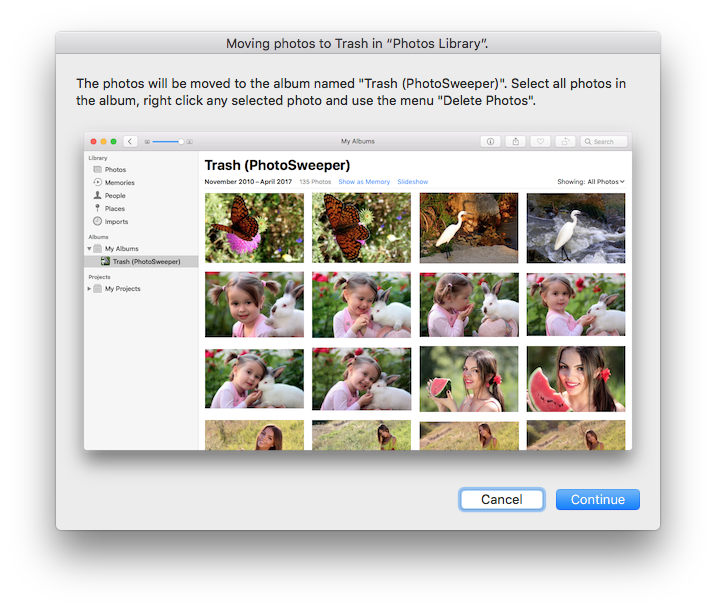
You then walk through the groups of photos and select the ones to mark for deletion. The process takes awhile depending on the number of photos you are comparing, but most of the matches really are duplicates or close to being duplicates. Once you hit Trash Marked, PhotoSweeper opens Photos and moves the photos you marked to its own album and gives instructions on how to permanently remove the photos.
The process is quite simple and straightforward. While the program may seem like a use once application, I’ve run it a few times just to see if I missed anything. The side by side comparison of matches is also quite useful to see if you want to remove photos that are not exact duplicates, but are close enough. In my match example above, the photos are quite close and I’d be fine with keeping just one of them. (If you can’t tell, the photo on the right shows a little bit of the electrical panel in the left side of the photo.)
Pros
- Integrates with Photos app to read photos.
- Creates new album for photos marked as deleted.
- Many options for photo matching.
- Works on JPEGs and HEIC (new image format used on iPhones).
Cons
- I’m not a fan of the dark interface. I know this is more the norm in applications today, but I just don’t like it.
Summary
After I tried PhotoSweeper (you can get a trial version from the developer’s website) in a basic test to see if it would work, I immediately went to purchase it on the Mac App Store (I like the ease of use of the App Store and while I know that developers take a hit, the seamless process especially using Touch ID on my MacBook Pro takes the thinking out of the purchase.) Much to my surprise, I had already purchased the application! I’m not quite sure when or why I had purchased it. The $9.99 price tag is a small price to pay for an application that does exactly what it says it will do and does it well. I have no hesitation in recommending this application to anyone that has a photo album. Even if you aren’t scanning in photos, using the side by side comparison tool makes it easy to see if you want to remove similar photos.
 . I had originally came up with the idea for MovieConverter back when I got my iPad 2 and started playing with iMovie. I worked on MovieConverter over the summer and finally released it.